


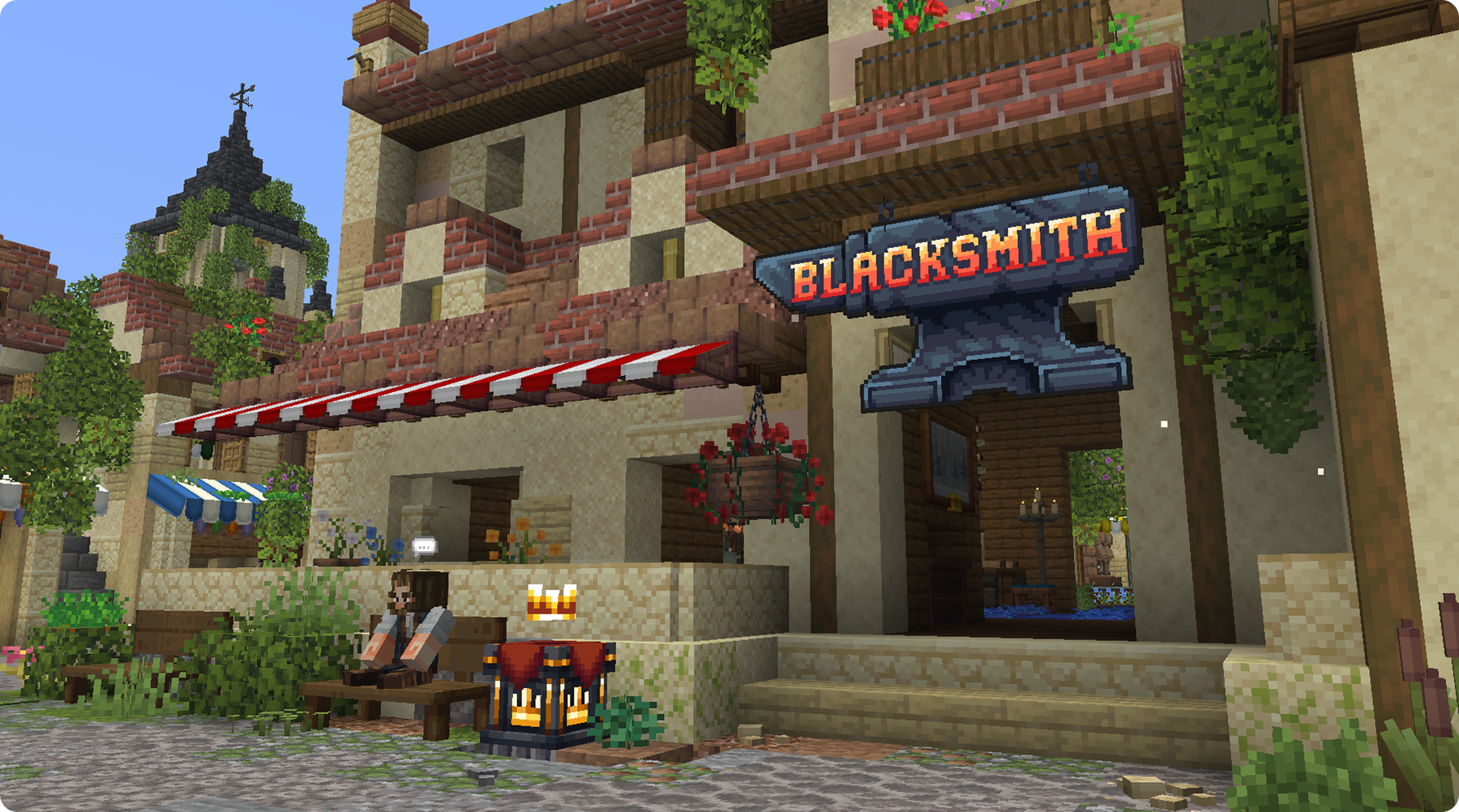
Blacksmith Shop
Visit the Blacksmith at the Hub market to buy equipment bags, repair supplies, and the rotating Item of the Day. Purchases use coins. Inspect the current offer before buying: the bag's gear slot, item level, and target rarity matter as much as its price.
Equipment bags:
The shop offers mystery bags for swords, axes, helmets, chestplates, leggings, boots, shields, magnets, and trinkets. Open a bag to reveal its item. Equipment receives its own rolled attributes, modifiers, durability, repair capacity, and crafting potential; buying a bag does not let you choose those rolls.
Check the item level before purchasing equipment for immediate use. Rarity describes the item's tier, while your character's level determines whether you can use it. A + bag can roll its named rarity or higher; it is not a guaranteed maximum-rarity item.
For comparing weapons and armor, read Armory. Pickup gear has its own Magnet guide, and equipped accessories are explained in Trinkets & Necklaces.
Item of the Day:
The Blacksmith's special offer changes at midnight and is limited to one purchase per player per day. Check the displayed item, its roll, and price before confirming. A new day's stock can differ from yesterday's; the ordinary bag catalogue and this special offer are separate.
Repair supplies:
Buy a Rune of Repair for damaged eligible Galithin gear. At an anvil, put the gear on the left and the rune on the right. A successful repair consumes one rune, five Minecraft XP levels, and one remaining repair slot. An undamaged item or one with no repairs left cannot produce the repair result.

Rune of Repair is different from Restoration, the rune that changes eligible repair capacity at a Runic Forge. For forge actions and Scrap Metal, see Custom Tables. Make inventory space before buying or opening bags.

